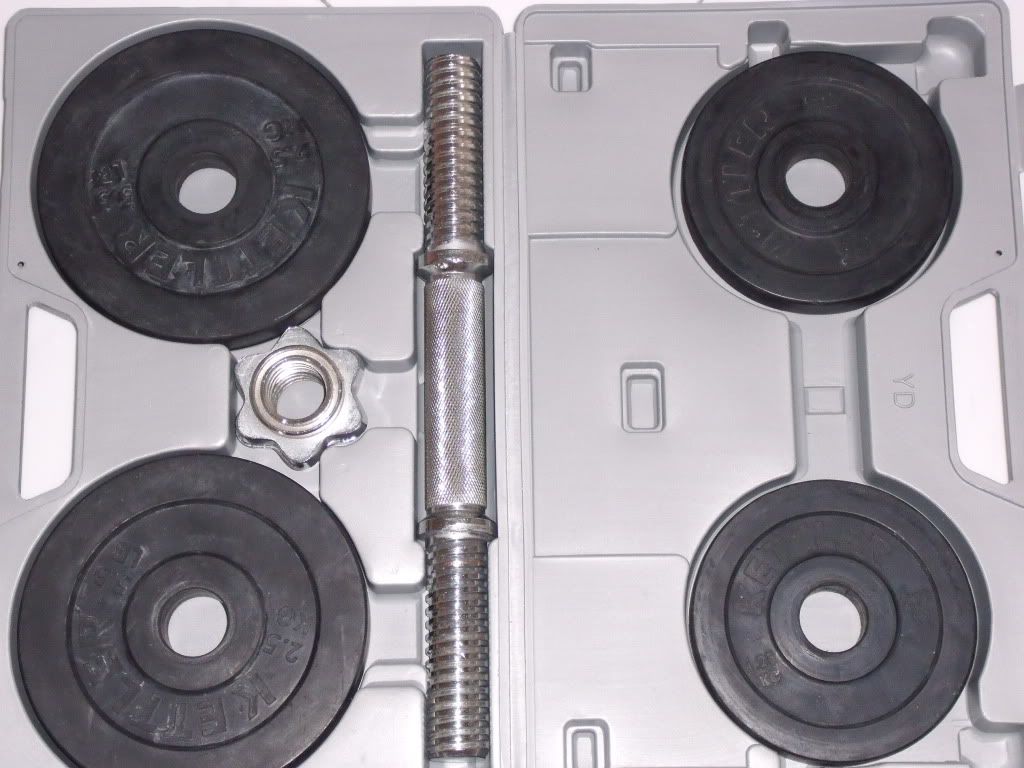
My apologies for not being able to post the picture
directly as i don't know how to do it and the URL for the picture
of box is below if you want to assess directly.
http://s990.photobucket.com/albums/af21/jerry1328/?action=view¤t=DSCF0505.jpg
Here are the steps to posting up an image:
1) Right click on the image and select " Copy Image Location
".
2) Press the tree-like icon all the way to the left and on the
same row as the 'Bold', 'Italic' and 'Underline', which is just
above the space you are posting in.
3) Paste the link which you have copied into Image Url, and
finally press "Insert".
On a side note, you can use the rest of the functions to change
the Image's size and positioning.