Hello all! I'm trying to overclock my E2140. I've checked many
guides online and many have OC-ed it up to around 3ghz. Mine is
currently at 1.60ghz. It is a duo core, not C2D.
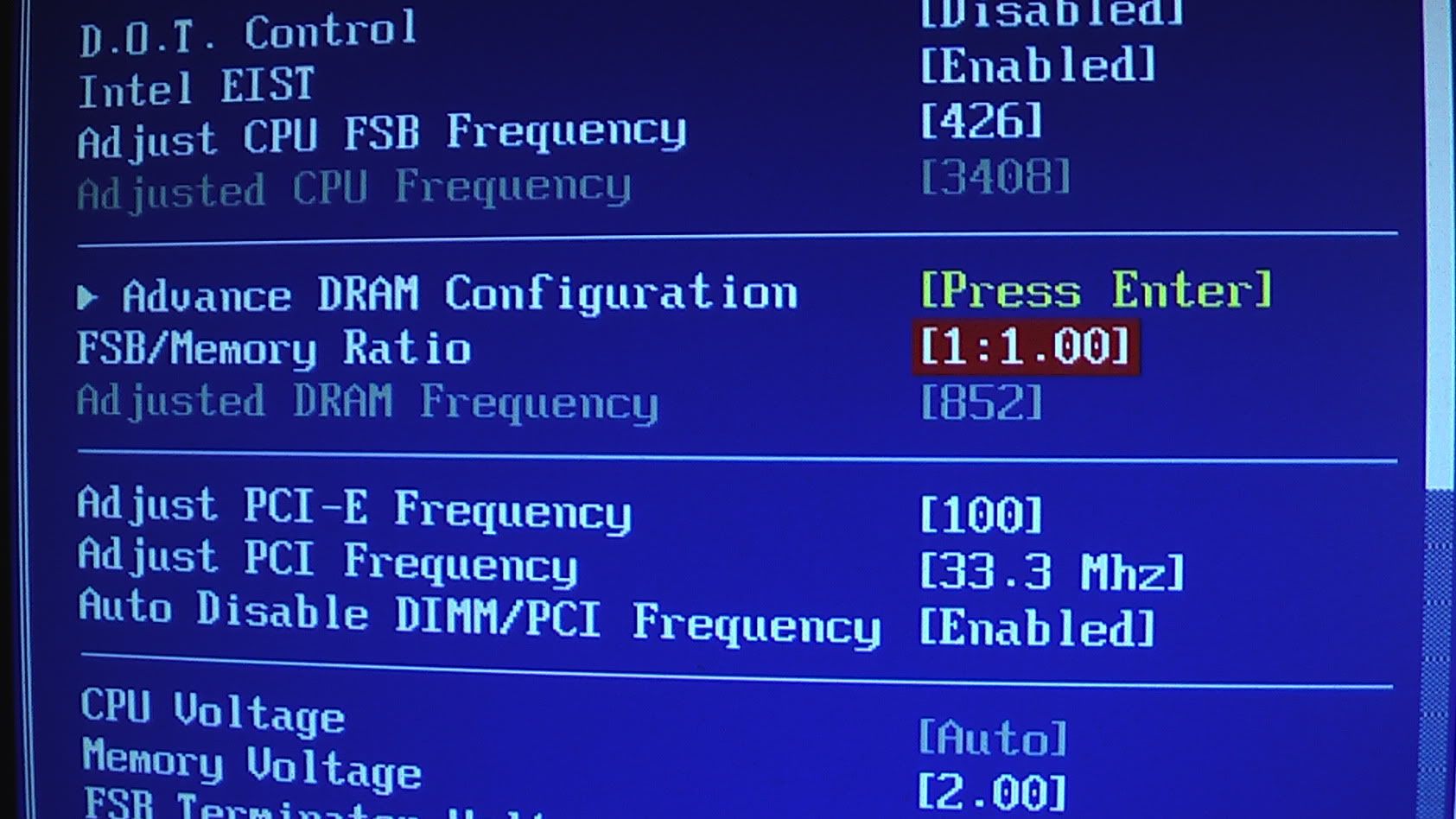
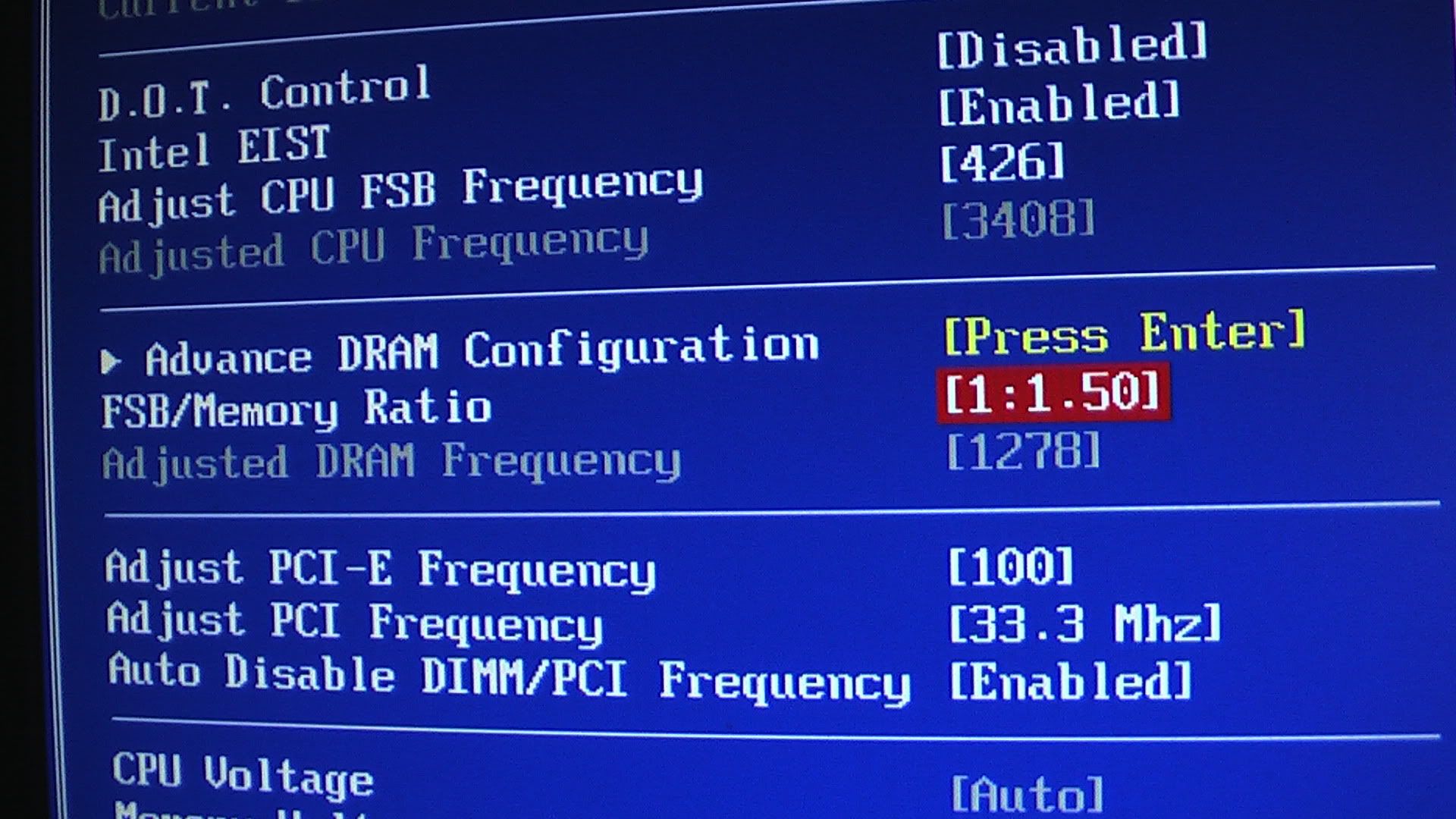
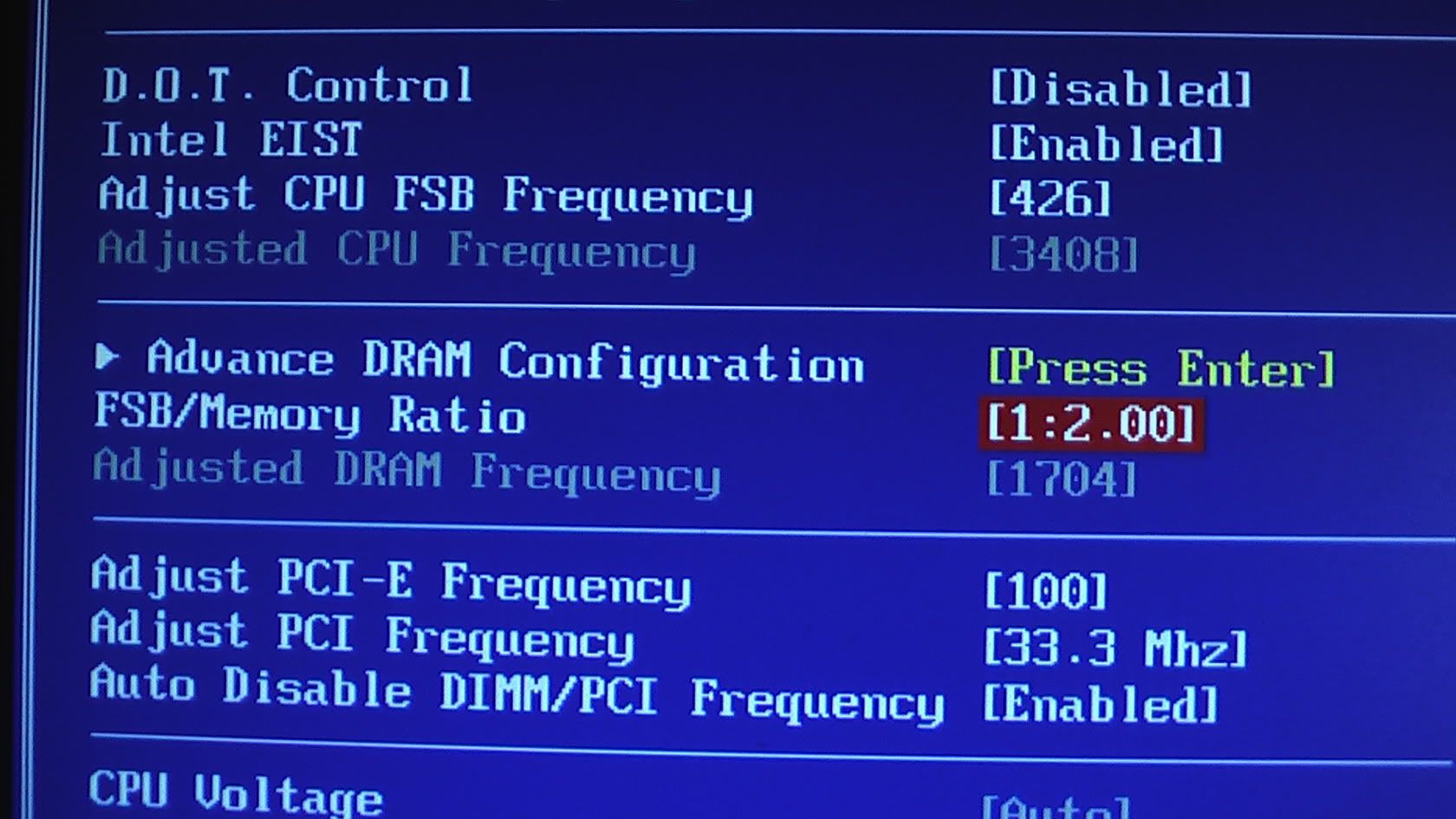
I've tried editing the bios and adjusted values for the CPU
speed. 200mhz, 280mhz, 300mhz and even 400mhz.
Multiplier I've tried 2, and 3.
Tried to set the multiplier such that the value will be tallied
with my DDR2-667 RAM.
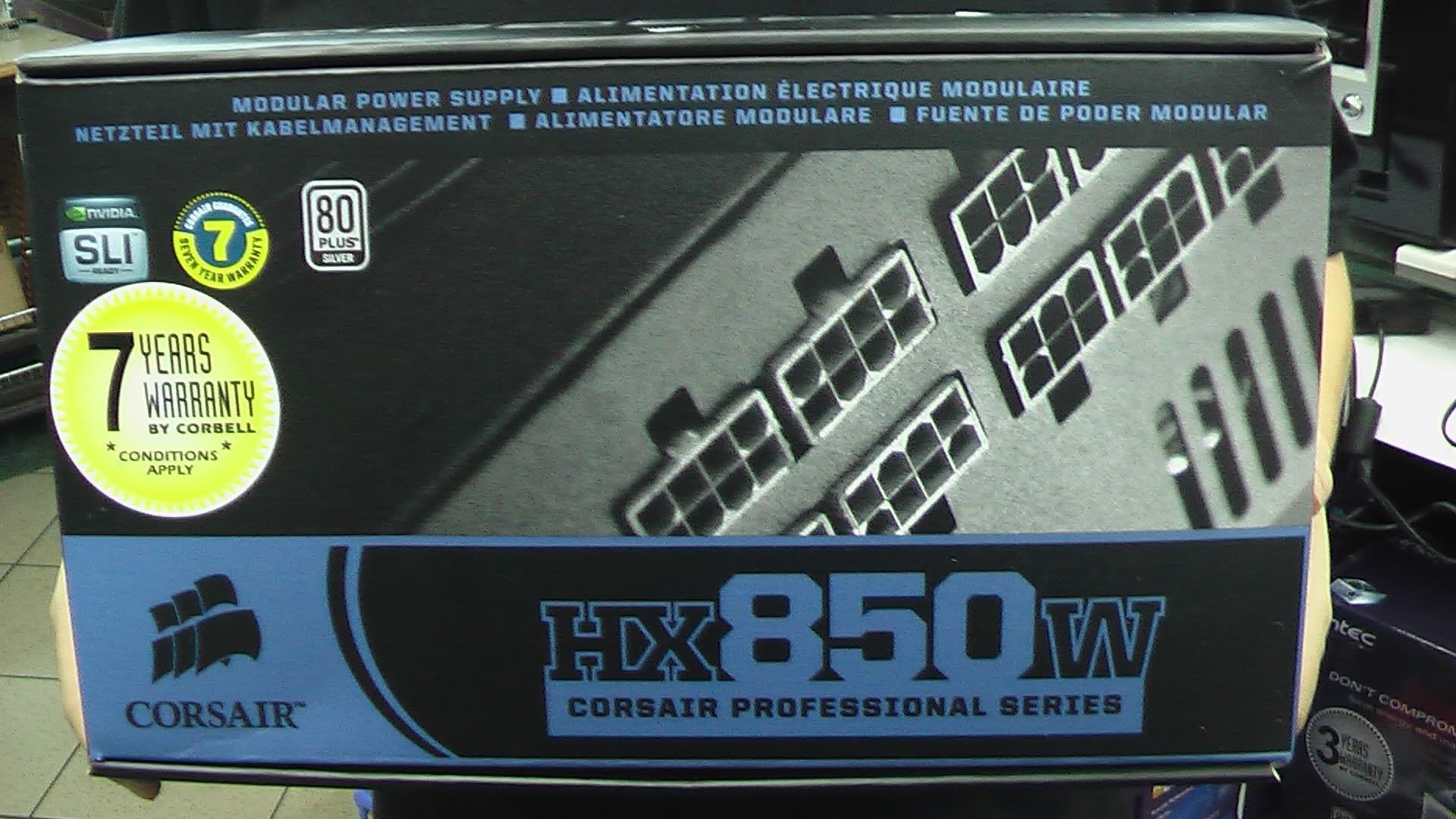
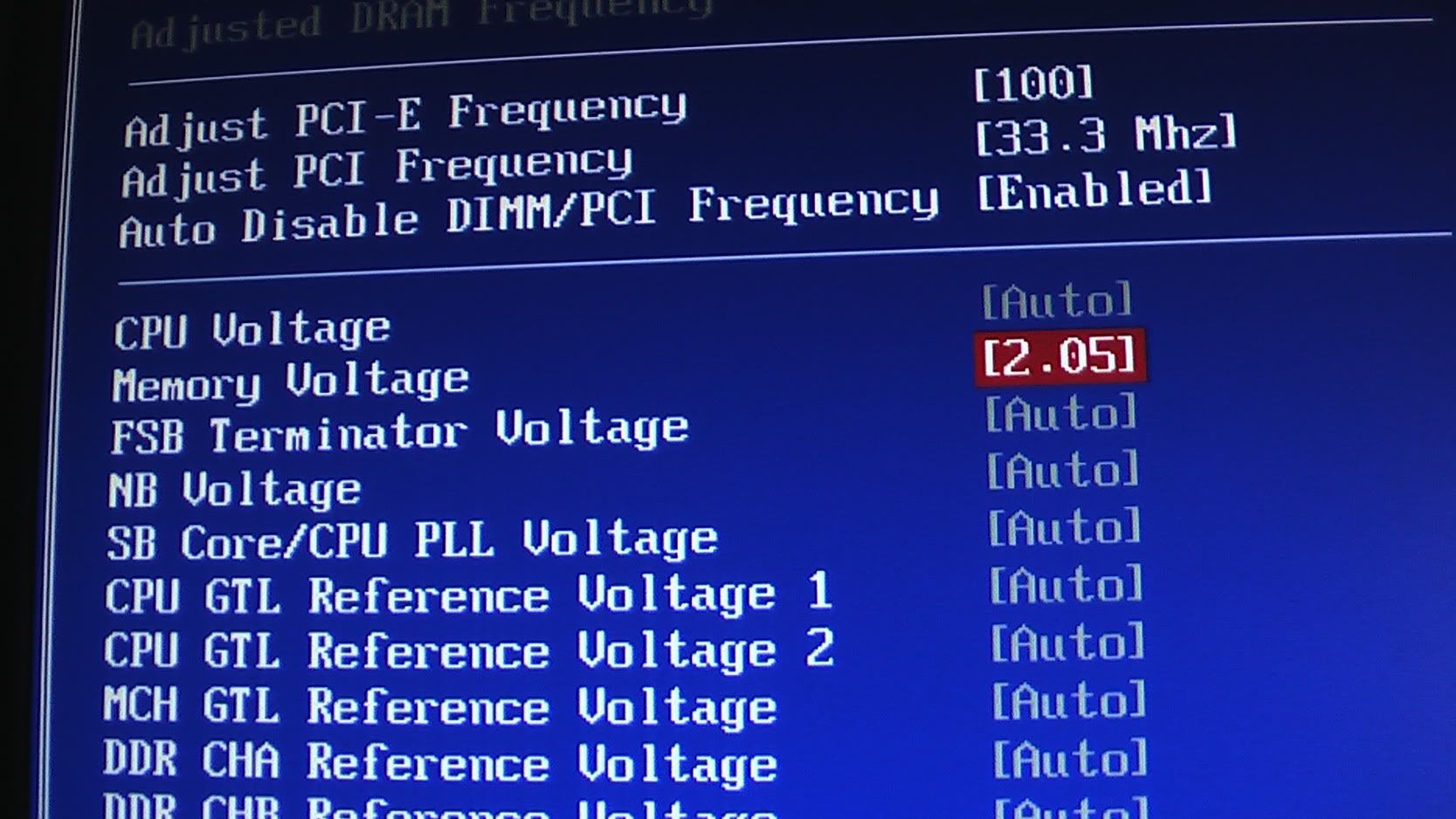
Increased the voltage from 1.2v to 1.4v-1.5v. My PSU is a 300w
unit.
Everything above has failed and I have to keep clearing my CMOS
in order to restart the system.
Any ideas? :(
Firstly i think 300 watts for overclocking is abit too little
for overclocking, and if you add in the gtx 260 it may start up but
will shutdown in an event where the gpu demands more power and the
power supply cannot give.
I read somewhere that the +12v in the powersupply supply the cpu
and gpu it's power, and you can calculate it yourself, using the
formular: Power= Current x Voltage. Look at your power supply's
box, my first 12volt rail can support a max load of 18 amperes,
that means that rail will generate 12x18=216watts. If your psu is a
single rail, you take 300 watts divide by 12v, you get 25 amperes
on that rail.
Bear in mind that if it is a peak power, you need to divide it by
square root 2 to get the rms value(i might be wrong for this one).
so you might only get approx 212 watts constant power.
IF your psu is like mine, a multiple railed psu, it might be not
that good compared to a single railed powersupply. If your 300w psu
is a single rail psu, it will be able to give 212 watts on that
rail, meaning 25 amperes. However mine is a 4 railed psu, each rail
can only give a peak of 20 amperes, or 14.14amperes rms
constant.
Your goal is to achieve the highest stable speed and fsb possible
with the lowest voltage possible, as to decrease the amount of
stress and heat brought to the processor
Secondly the gigabyte 945 series motherboard is not actually meant
for overclocking, the 945 is actaully from intel, and it is more of
a basic mainboard. If you look at your motheerboard now, it is
actually a micro atx size, and does not have a lot of heatsink,
that means you need to be careful when u start to overclock, you
must try not to overheat your northbridge when u eventually start
bringing up the voltages
If you leave your multiplier at x16, you need to set your front
side bus speed to approx 188 to achieve a speed of 3ghz. Can
your motherboard specify the exact fsb speed?(i think most mobo can
do that, unless u are talking about dell, acer, or those branded
pc)
What you need to try to do is to bring up the fsb slowly, don't do
it straight away, you must give your system time to 'adapt'. I
suggest bring up the front side bus speed from 100 to maybe 120(it
should be fine to bring up a little more than usual for fsb at the
first few adjustments) for the first time, leaving the multiplier
alone, which will give you around 1.9ghz.
After that, u can try to bring it up to 130, then 135, 140, 145, do
it slowly. try to reach to a point where by your system does not
start, and tells you prevvious overclocking has failed. At that
point, increase your Vcore slowly, maybe 0.something at a
time.There is also another way, that is to lower your multiplier
speed and increase the fsb highest, it might be more stable.
WHile increasing your cpu fsb speed, check if your mainboard
'automatically' links your ram speed with it. For example, if you
increase your cpu fsb to 120, does your ram speed increase? maybe
from 667-700? if yes, you might need to give your ram alittle more
voltage to maintain a stable. That is just one part of the problem.
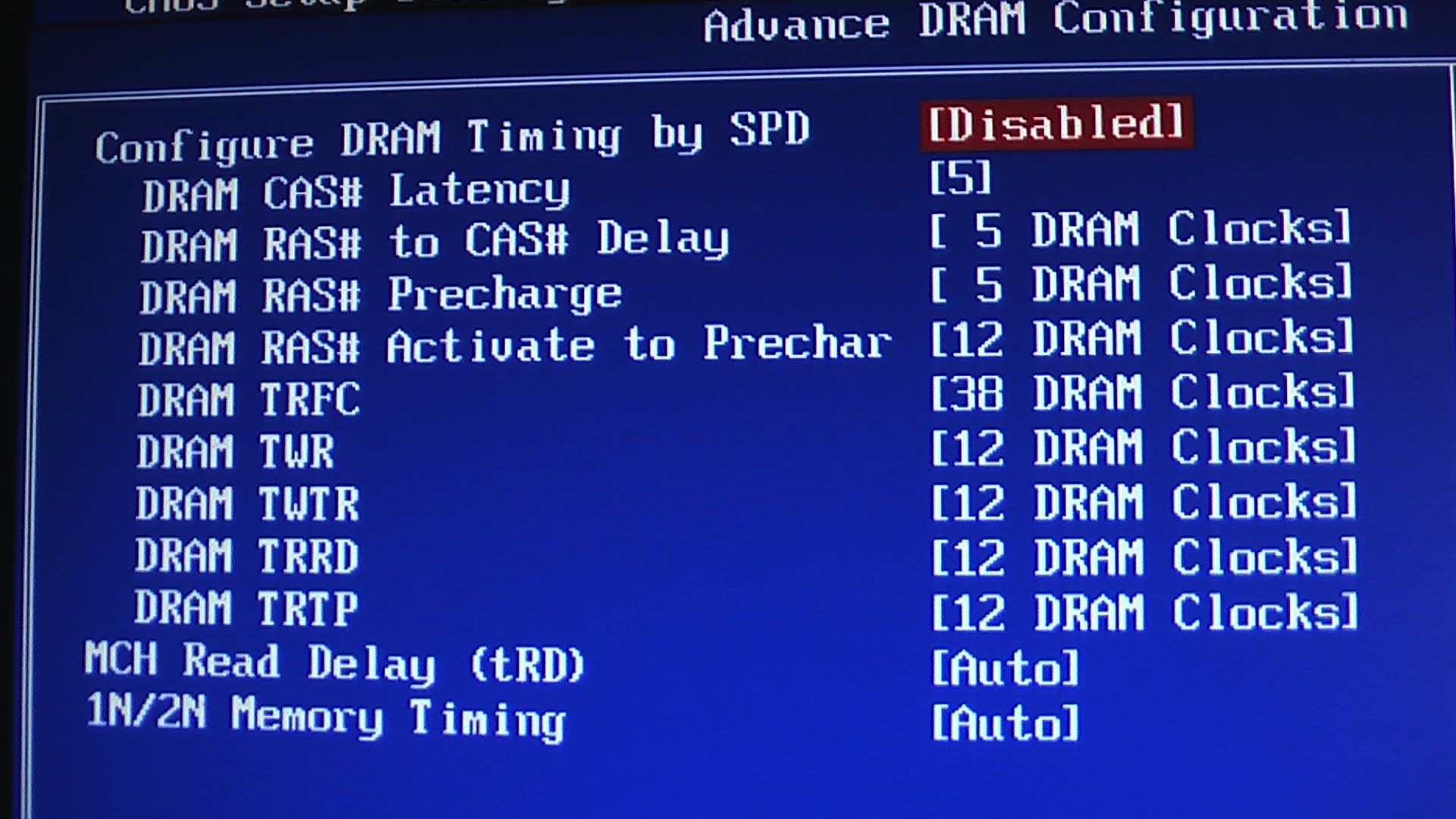
When u increase your ram speed, the timing of the ram will also
increase, that means the time taken for the info to pass from one
section to another section of the ram is longer.(if you notice ddr3
rams have high fsb like 1333, but their timings mayb be
9-9-9-something, while a ddr2 800mhz ram will ahve a timing of
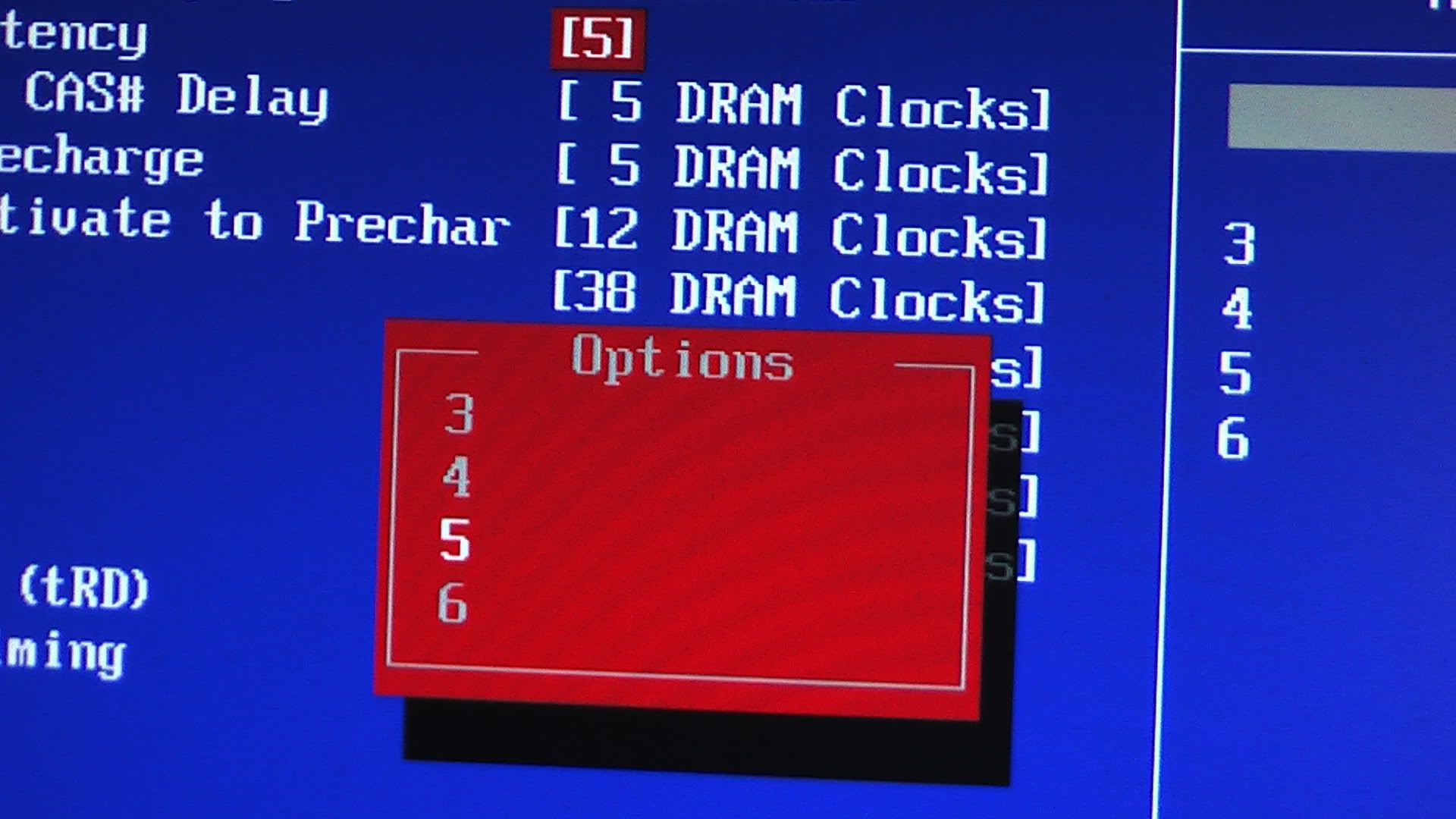
4-4-4-12) You can try to bring down the timing in your motheboard's
bios, but if you bring it down too much it will not be
stable.
FOr more infor about the ram timing, u can read this thread:
http://sgforums.com/forums/2250/topics/341491
Okay, let say you have success fully achieve maybe 2.2 ghz, you
need to check your processor's temperature. When you increase your
voltage, do not increase too much, 1.4volts to 1.5volts will be
toomuch for my 45nm Q9450 to handle, however i think for a 65nm it
might be fine(im not sure about your cpu's max voltage, better to
check with ppl online). It is more accurate to check the temp in
the bios, but while u are test running, u can use programs like
realtemp. Stablility is also an important factor, which means you
need to benchmark and running test. You can use 3dmark06 to test
the overall perfrmance, or intel burn in test to test the cpu's
stability
that is all i can think of now
sgforums seems to hate me alot, give me errors when repliing