Close any programs running.
Run HijackThis again. Select None of the above, just start the
program.
Click scan. After it finishes scanning, put a tick against these
entries and click Fix checked:
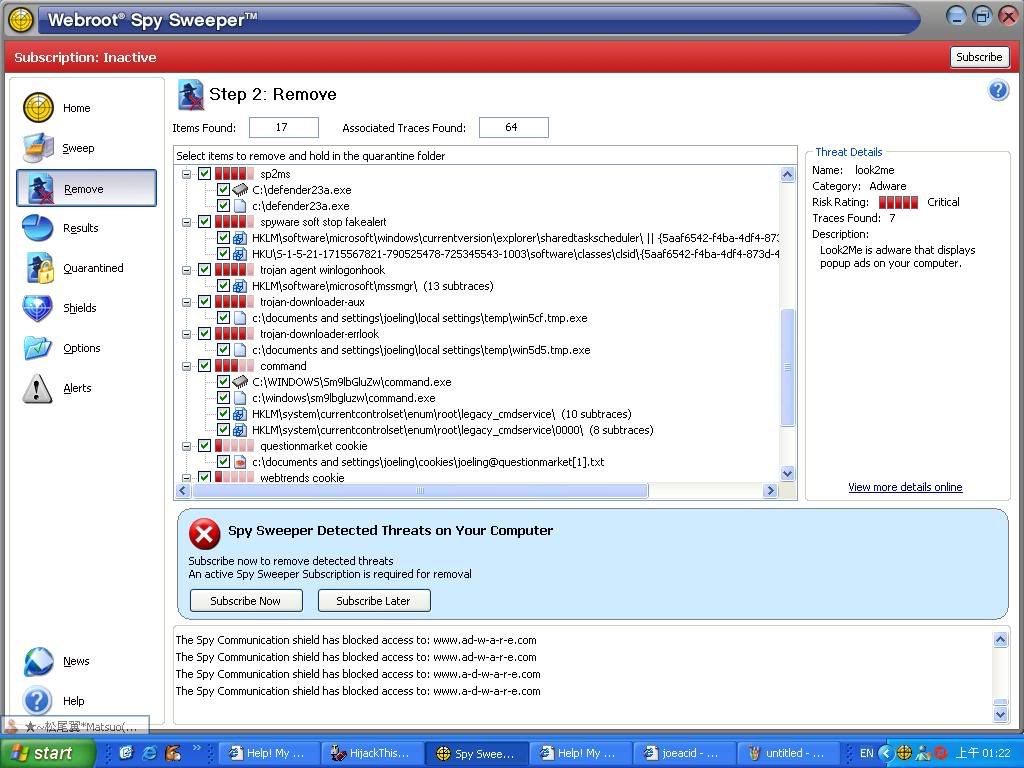
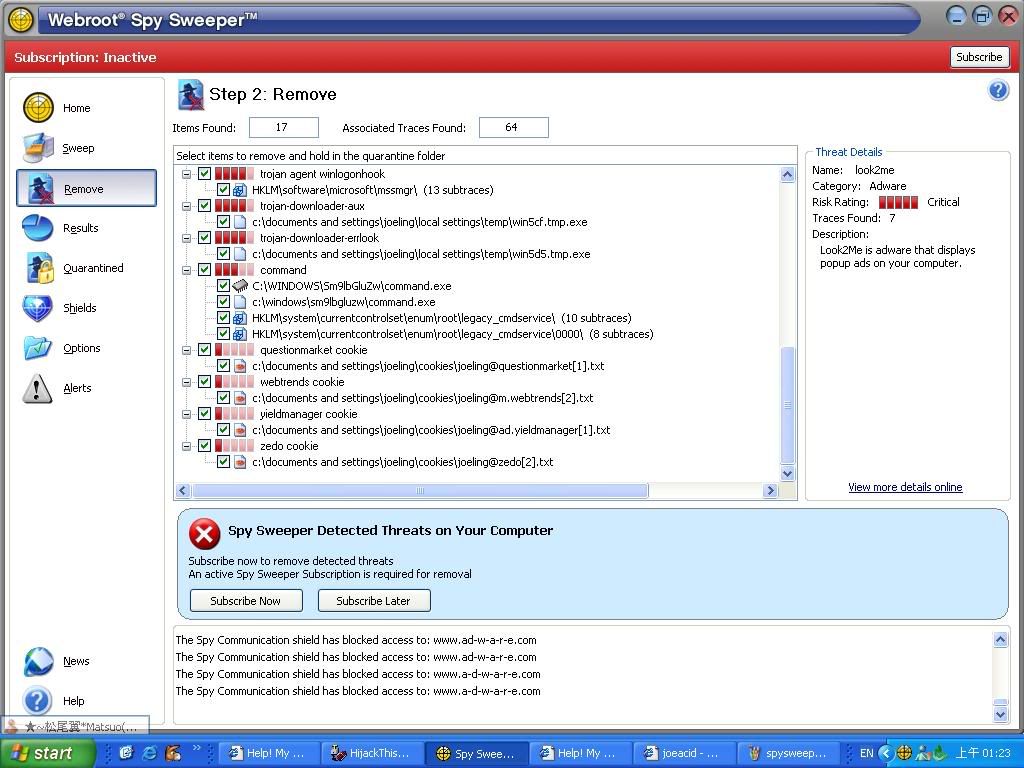
C:\WINDOWS\Sm9lbGluZw\command.exe
C:\WINDOWS\System32\Kerne0110.exe
C:\WINDOWS\System32\f7c9fd9a.exe
C:\WINDOWS\System32\conime.exe
O2 - BHO: Nothing - {686a161d-5bd1-4999-8832-6393f41e564c} -
C:\WINDOWS\System32\hp100.tmp
O4 - HKLM\..\Run: [f7c9fd9a.exe]
C:\WINDOWS\System32\f7c9fd9a.exe
O4 - HKCU\..\Run: [f7c9fd9a.exe] C:\Documents and
Settings\joeling\Local Settings\Application Data\f7c9fd9a.exe
O16 - DPF: {00000000-0000-0000-0000-100000000003} -
http://code.jcash.biz/l/c16d96011938750a7556d6b3b02a7eba_13.exe
O9 - Extra button: Related -
{c95fe080-8f5d-11d2-a20b-00aa003c157a} -
C:\WINDOWS\web\related.htm
O9 - Extra 'Tools' menuitem: Show &Related Links -
{c95fe080-8f5d-11d2-a20b-00aa003c157a} -
C:\WINDOWS\web\related.htm
O9 - Extra button: Yahoo 1G mail -
{507F9113-CD77-4866-BA92-0E86DA3D0B97} -
http://cn.mail.yahoo.com/promo/rd1 (file missing)
Do you use Alexa search engine? If you do, don't remove the entries
in blue.
For this entry (F3 - REG:win.ini:
load=C:\WINDOWS\System32\Kerne0110.exe), I can't help, because I
can't find much info about it, and it's too risky to edit win.ini
files.