Open My Computer. Go to Tools, Folder Options. Select the View
tab. Under Advanced Settings, show all hidden files and
folders.
Next, restart computer in safe mode. Open Windows Explorer and
navigate to C:\Documents and Settings\All Users\Application Data
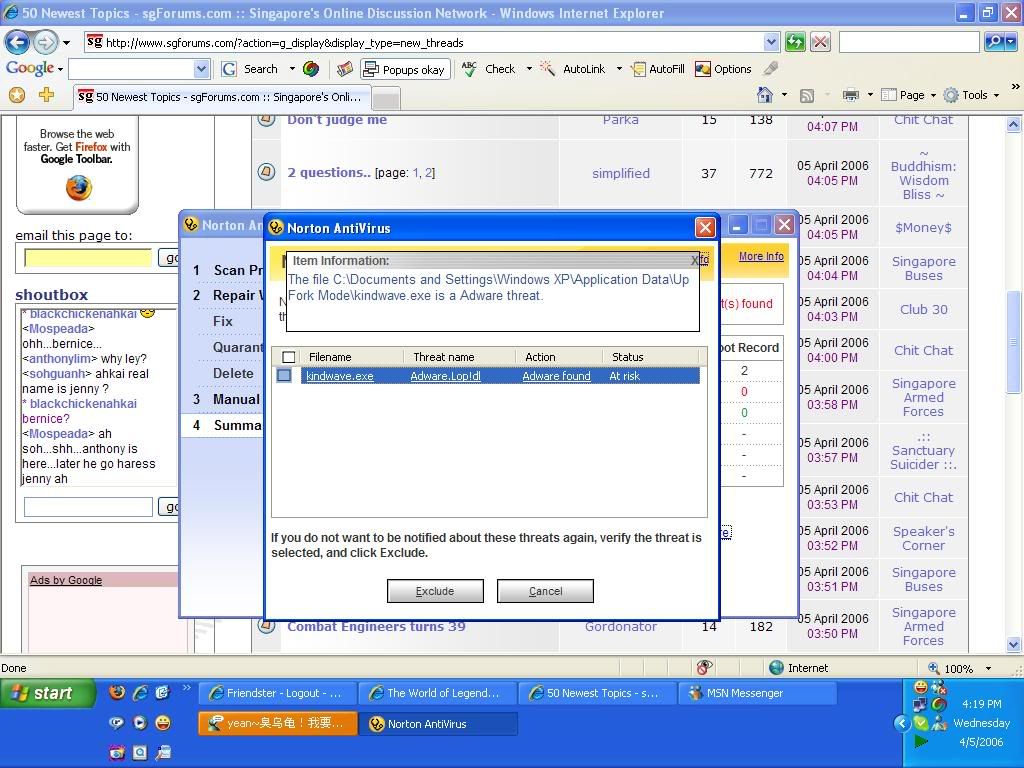
and look for the folder "up fork mode"
Open the folder and delete everything inside.