Posting
pictures using iPad2,
1)
make sure your javascript is turned on.
For
safari browser, go to Home/Settings/Safari/Javascript -> ON
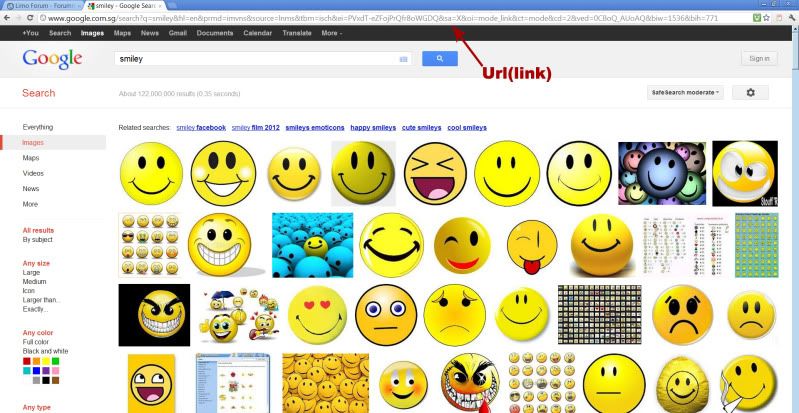
2) Search for your image, press and hold till you see "save image"
and "copy" buttons
3) Click on the "copy" button.
4) Open a new tab
5) Go to the address bar, press and hold till the "paste" button
appear.
6) Press on the "paste" button.
7) Click on the address bar and click on the "Select All" button
and then the "copy" button to copy the image url.
8) Go back to the forum
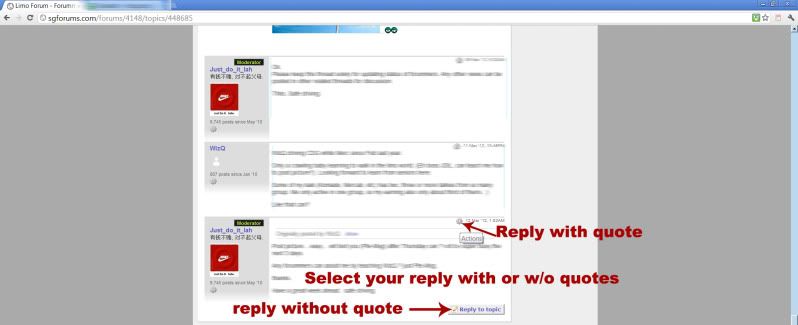
you want to reply and click on the reply button
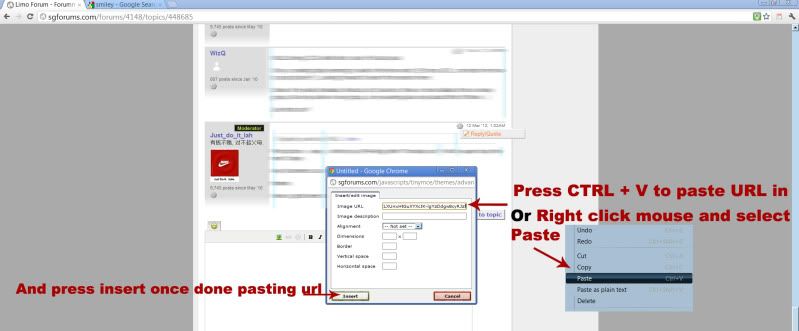
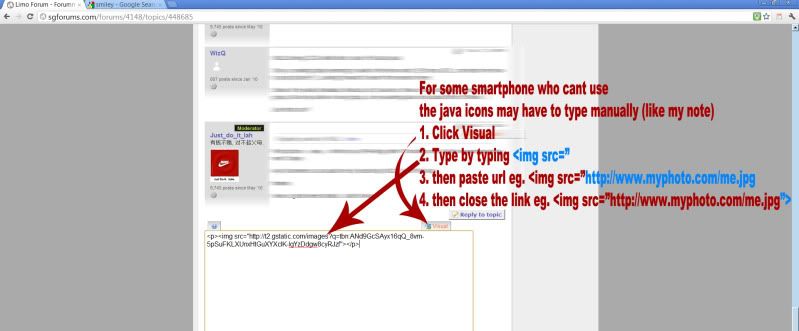
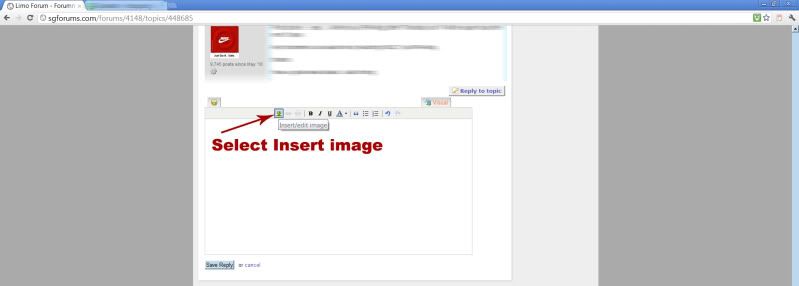
9) Click "Insert/edit image" button
10) On the "Image URL" textbox, press and hold till you see a
magnifing glass.

11) Click on the "Paste" button to Insert the image url.
12) Set border to 0 to remove the image border.
13) Click on the "Insert" button at the button left.
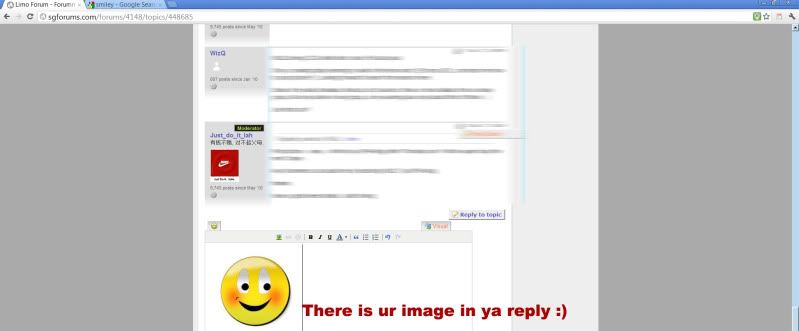
Your image should appear.
* 3 pictures above sourced from ahRichard the thread
starter.