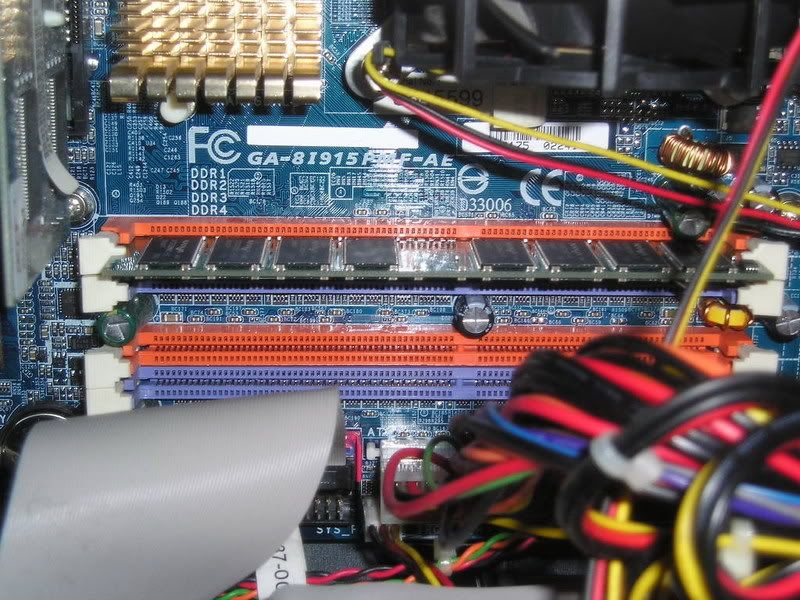
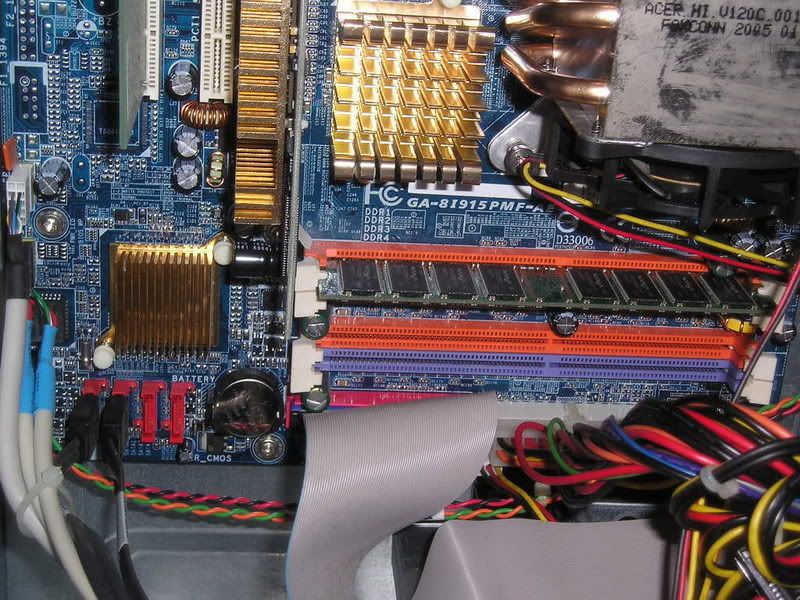
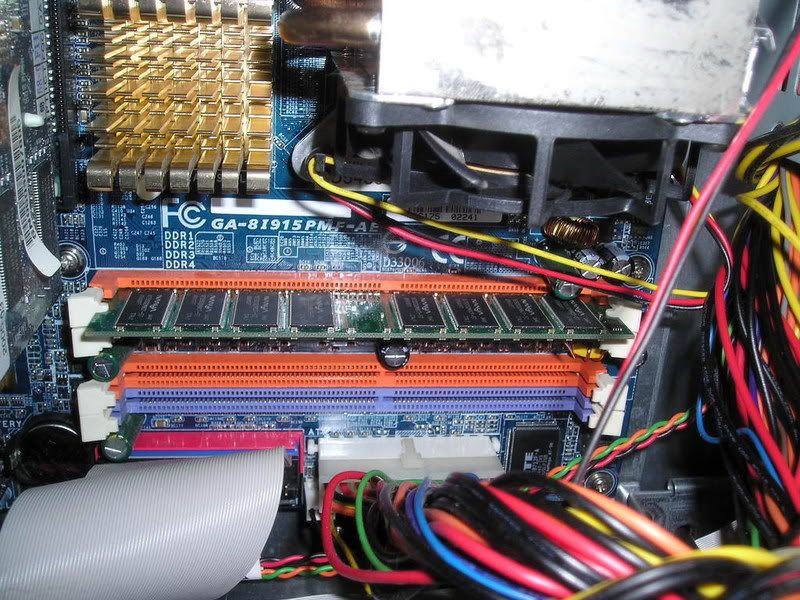
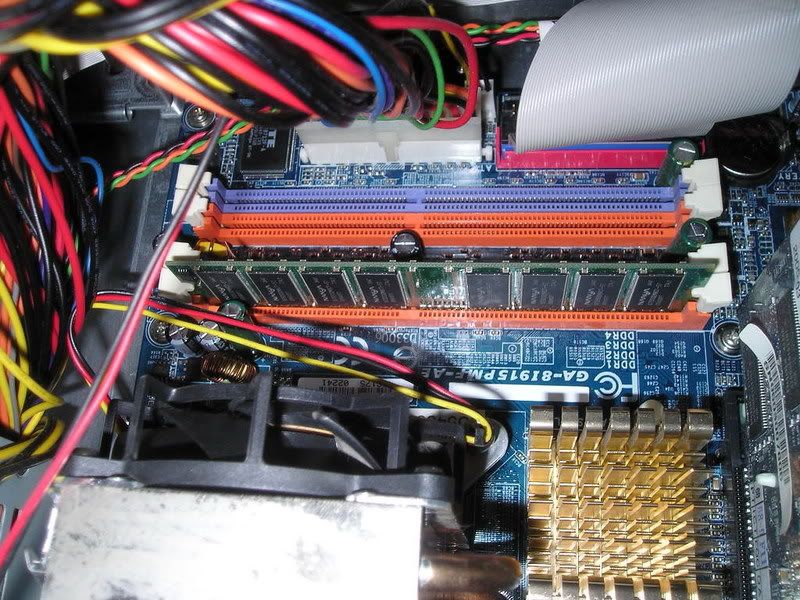
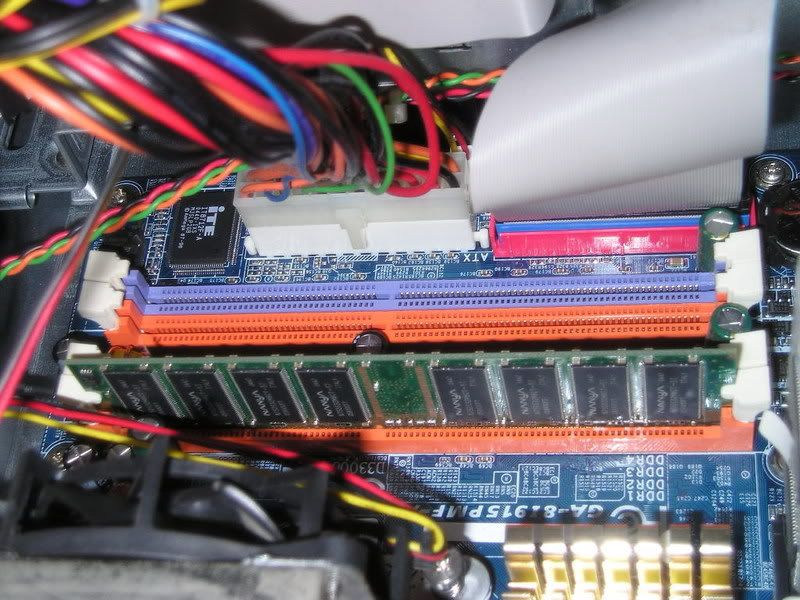
nikoz SG Hi, my first problem is the memory or ram. Does anyone know why got two different colours? purple & orange? If i want to upgrade the ram, what should i buy, any DDR ram can? or must be the same as the present one? (Brand & speed) Lastly, which slot should i put it into? The purple or orange? and must i do any other things? I got some other questions too on HD & Graphic card, maybe the kind people here can help me... Thanks..
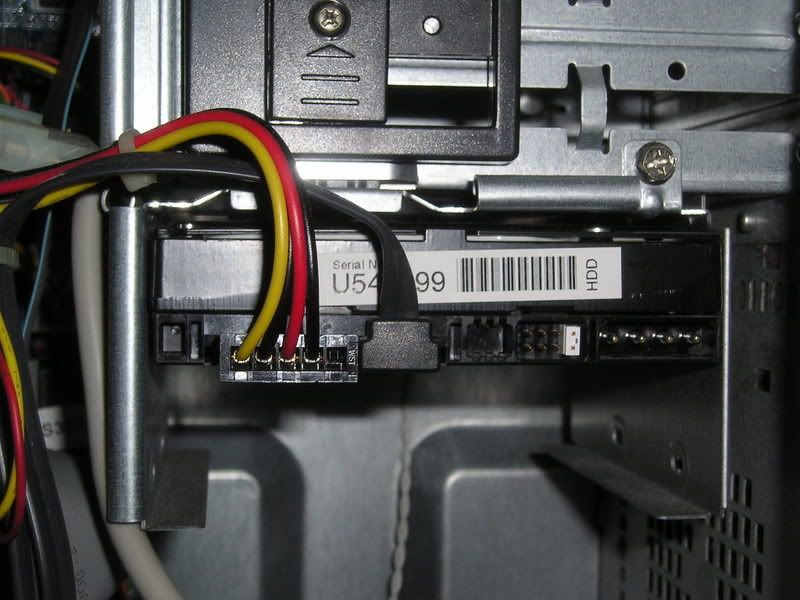
nikoz SG Another thing is if i have an existing HD but its IDE can i still add it onto here? and how do i put the pin, if the present one is master which pin to cover for slave? The second picture show the plug to the HD. (bottem right side) only one is using the other is empty.
ndmmxiaomayi SG Acer PC ar? If warranty expires, take out the hard disk. There's a sticker which teaches you how to change it to slave drive. If it has not, you better not do anything to it. Spoil the PC while doing something to it will void your warranty.
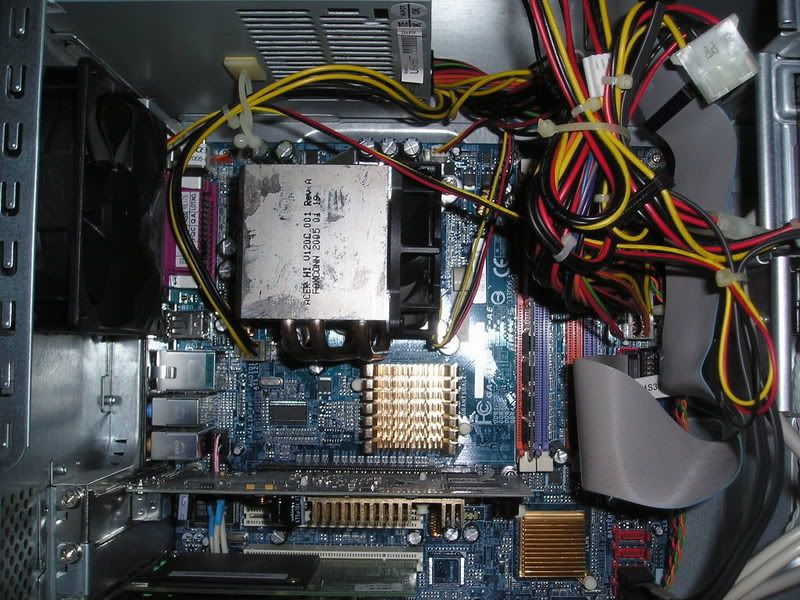
nikoz SG Lastly, the graphic card. base on the picture do i still need to add another fan for it cos the present one got no fan, i see many people's GC has fan on it... will it get spoilt faster w/o a fan? The internal only got 1 fan for the processor i think. Thanks.
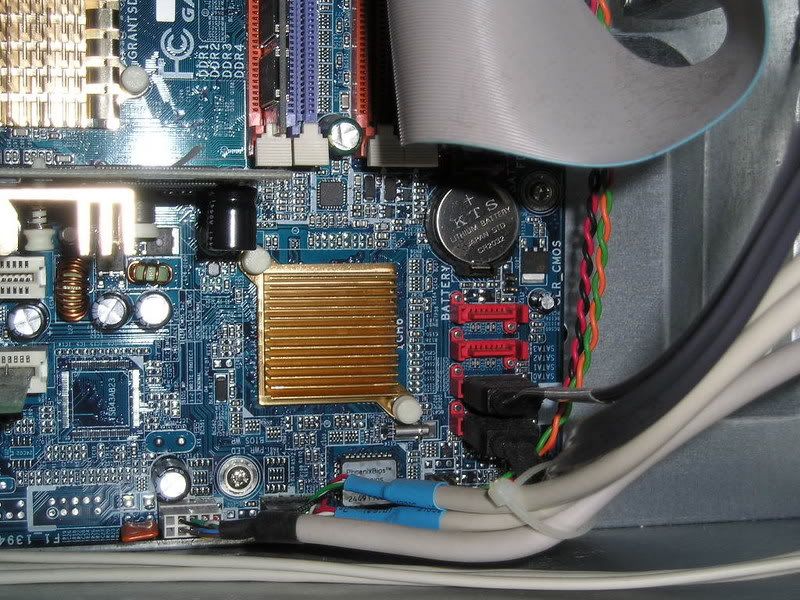
ndmmxiaomayi SG Don't need to know your motherboard model already. Saw it in the pictures. It's a Gigabyte 8I915P-MF mainboard. RAM: A maximum of 4GB is supported. Type of RAM: DDR 333/DDR 400 When buying, tell the salesman you want either DDR 333 RAM or DDR 400 RAM. It can be of any brand, but it has to be either DDR 333 or DDR 400.
Y_Shun SG If I am not wrong hor, Acer PC, you cannot take out the casing, because taking out already void the warranty stickie.
nikoz SG no i want to add another and not change it to slave. and on the ram, do i need to follow the current one's ? it 512 but don't know 333 or 400, where do you see to check?
ndmmxiaomayi SG If you overclock, it will spoil the graphics card fast. Most likely, you will see it burn and smoke will be coming out of your PC. You can't add on a fan straight to the graphic card. You have to get another card if you want the fan to be on it. But I don't think yours support it... because your motherboard don't have AGP slots... As far as I know, AGP graphics card have fan(s) built on the card. That's an AGP graphics card.
ndmmxiaomayi SG Oh... Just buy another hard disk and set the new hard disk to slave. Don't need to follow the current one. Just tell the sales person you want a DDR 333 or DDR 400 RAM. As for how to tell, use CPU-Z. Download and extract it. Double click on cpu-z.exe to run it. It will scan for a while, once it's done, click on the Memory tab. It will show what type of RAM your PC is running. You will then be able to tell the sales person what type of RAM you want.
nikoz SG I think my graphic card is on a AGP (black) slot not on a PCI (white). I don't even know how to overclock. Can remove the 56k modem and put in its place a fan? How much a fan cost any idea? Anyway, is that a AGP slot? thanks man.
ndmmxiaomayi SG I can't tell from the picture. You have to check it yourself. The brown one is an AGP slot. Here is Gigabyte mainboard, showing no AGP slots. The black one should be a PCI Express X16 slot.
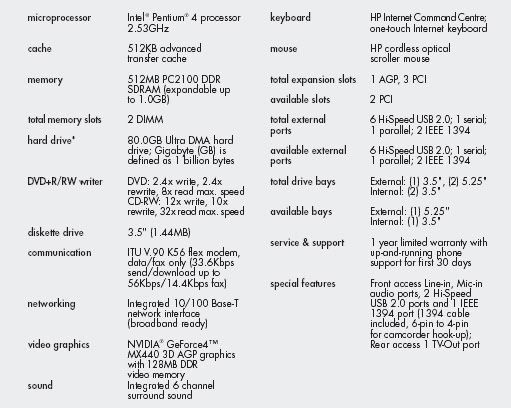
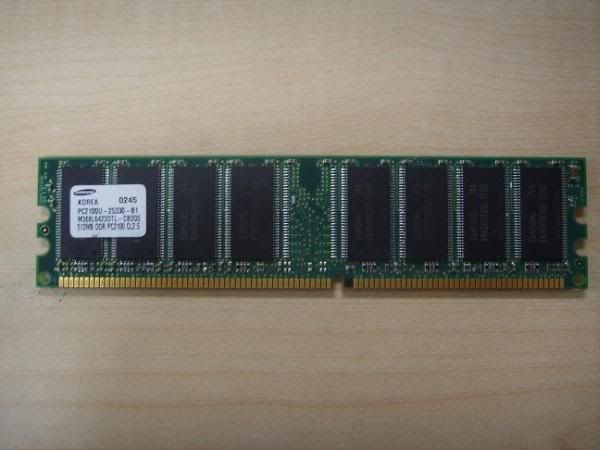
nikoz SG Side question, anyone know what kind of ram is this? 512MB PC2 100 DDR SDRAM. is this a Sdram or a Ddr? for a Hp pavilion pc. Thanks. Can i use a PC 2100 512mb DDR 266 Desktop/PC Ram ? Thank you.
ndmmxiaomayi SG Basically, it's a DDR RAM. In theory, you can use. In reality, I don't think so. http://en.wikipedia.org/wiki/DDR_SDRAM